Profile looks credible now
After boosting my followers my personal profile looks more established. The delivery was gradual and natural looking. My follower count went up over a few days without any weird spikes.


No passwords, no complicated forms. Just a quick checkout and you're done.

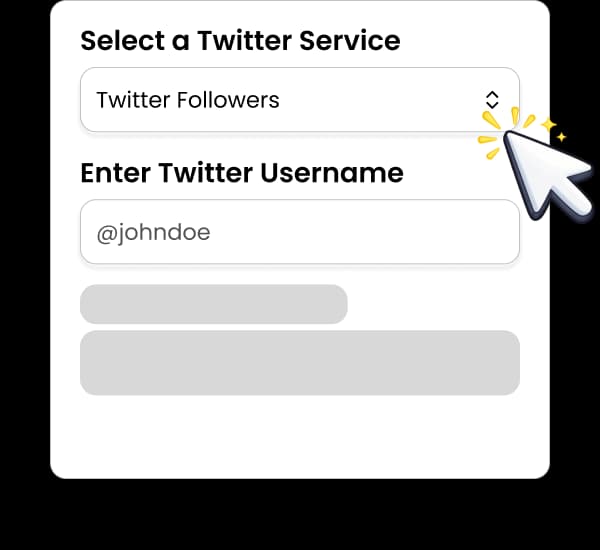
Pick the Instagram saves service option that matches your goal.

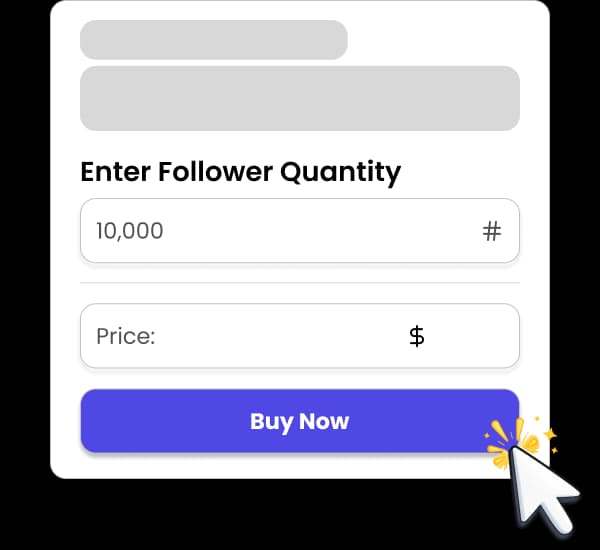
Add your username or link, choose quantity, and complete your order.

Delivery begins quickly after checkout.
See real creators and brands who used Social Crow to kickstart growth.

The process is short and doesn't touch your login at any point.
Start by choosing between the standard saves option and the High Quality tier. Standard suits everyday posts and testing; High Quality is the pick when the post is one you'll pin, link from your bio or point new visitors toward.
Then copy the link to the post or Reel. On the app, tap the three dots or the share icon and choose Copy link; on desktop, copy the address bar while the post is open. Paste it into the order form and confirm the quantity, with a minimum of 10 saves.
Check that the account is public and the post is live before you pay. Saves can only be delivered to a post that anyone can open, so a private profile, an archived post or a link to the wrong item will hold the order up.
After checkout the order is queued automatically. Delivery starts soon after and moves along at a steady rate. If you notice it stall, message support with your order number and they'll look into it.

Saves tell a different story from likes. A post with plenty of likes but almost no saves reads as pleasant but forgettable. A post with healthy saves looks useful, like something people wanted to keep. For tutorial, educational and product content, that is exactly the impression you want visitors to leave with.
They also help balance your numbers. If your account already has a solid follower count and decent likes, a low save count on your best how-to carousel can look out of place. Topping up saves on your strongest evergreen posts keeps the overall engagement mix consistent.
Saves suit posts with a long shelf life. A carousel explaining your service, a pinned guide, a menu, a price list or a styling lookbook can keep being discovered for months. Giving those posts a stronger save count supports them every time a new visitor scrolls back through your grid.
They pair naturally with other engagement. Many customers add saves alongside likes or comments on the same post, or follow up with shares, so the activity on a single piece of content looks rounded rather than one-dimensional.
Keep expectations grounded. Saves are a social proof signal, not a guarantee of reach or Explore placement. The posts that benefit most are the ones that already deliver something worth keeping.
We've kept the saves service deliberately simple: two clear tiers, a low minimum of 10, and a single field for your post link. You don't have to dig through dozens of near-identical options to work out what you're buying.
You keep complete control of your Instagram account. There's no login step, no app authorisation and no follow-for-follow scheme. We work from the public post link only, and payment runs through an SSL-secured checkout.
Orders are processed automatically, so there's no waiting for someone to pick yours up. If something does need a human, support is online around the clock and can check the link, the post's visibility and the order's progress for you.
Social Crow has been running for 7+ years, with 38K+ happy customers, 89K+ orders completed and a 9.8/10 satisfaction score. That history is why customers come back when they need engagement on posts that represent their brand.
Proof at a glance
Join thousands of successful creators who've transformed their social media presence.
Pricing for Instagram saves is set by two things: the quantity you order and the tier you pick. The standard option is the most economical; High Quality costs a little more per save and is aimed at posts you care most about.
Live prices for every quantity appear in the order form on the Instagram services page, so you'll see the exact total before you pay. There are no subscriptions or hidden fees, and each order is a one-off purchase for a single post.
Because the minimum is just 10 saves, testing is cheap. A sensible approach is to start with a modest order on one high-value carousel or Reel, check how the post looks afterwards, and then decide whether to repeat it on other evergreen content.
If you're working on a whole grid, spread smaller orders across several posts rather than putting everything on one. A handful of well-supported posts usually looks more convincing to a new visitor than a single outlier.
Ready to place your order?
You’ll choose the exact service and quantity on the Instagram page.
We never ask for your Instagram password, email login or two-factor codes, and we don't need you to connect your account to any tool. The only thing we need is a public link to the post or Reel.
Your account should stay public while the order is running. Switching to private, archiving the post or deleting it partway through will stop delivery, and the remaining saves can't be routed anywhere else automatically.
It also helps to avoid editing the post heavily during delivery. Small caption tweaks are fine, but replacing media or reposting under a new link means the original link no longer points to the content you wanted supported.
If your count drops within 30 days of your order, we top it back up for free under our refill guarantee. Drops caused by deleting the post or making it private aren't covered. If delivery stalls while the order is running, let support know and we'll look into it. Payments are processed on an SSL-secured checkout.
Once your payment goes through, the order is created and sent for processing automatically. Delivery usually starts shortly afterwards and continues at a steady pace until the full quantity is in place. Larger orders naturally take longer than small ones.
You can follow progress from your order page using your order number, with no account required. The save count on a post is visible to you in Insights rather than publicly, so check there if you want to see the numbers move.
If delivery seems to have stopped, the usual causes are a private profile, an archived or deleted post, or a link that points somewhere other than intended. Fix the post's visibility if needed and get in touch with support, who can check the order and help get it moving again.
When the order completes, have a look at how the post sits next to the rest of your grid. Many customers then repeat a smaller order on their next carousel or guide to keep engagement consistent over time.
FAQ
Paste the public link to the post or Reel, for example https://www.instagram.com/p/XXXX. Use the Copy link option in the app or the address bar on desktop.
No. We never ask for your password, login codes or account access. A public post link is all we need.
The minimum is 10 saves per post, which makes it easy to test on a single post first.
Both deliver saves to your post. High Quality is the premium tier, aimed at posts you're featuring prominently, like pinned posts or the content you link from your bio.
Instagram shows save counts to the account owner in post Insights rather than publicly. Check Insights on the post to follow the numbers.
Yes. Paste the Reel link instead of a post link. Saves work on photos, carousels and Reels as long as the account is public.
Delivery usually starts soon after checkout and continues at a steady pace until complete. Exact timing depends on order size.
If your count drops within 30 days of your order, we top it back up for free under our refill guarantee. Drops caused by deleting the post or making it private aren't covered. If delivery stalls while the order is running, let support know and we'll look into it.
We can't promise that. Saves add social proof to a post, but reach and Explore placement depend on the content and how real viewers respond.
No. The account needs to stay public and the post needs to stay live until the order finishes, otherwise delivery pauses.
If you’re working on a full growth plan, these pages can help.
Want more context before you buy? These pages are a good next step.
Go to the Instagram page to select your exact service and quantity.
Use code WELCOME10
for 10% off